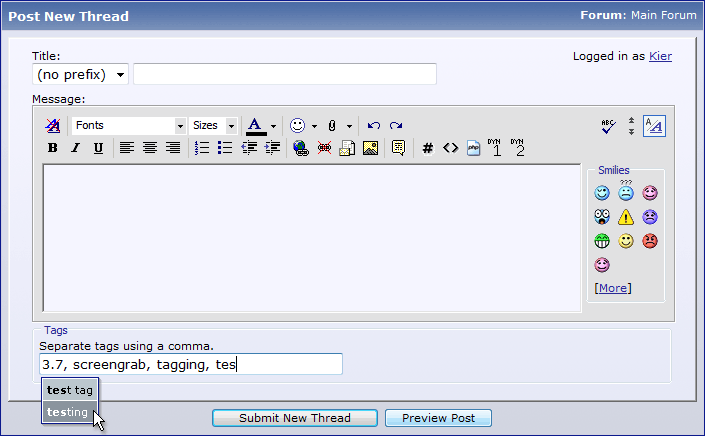
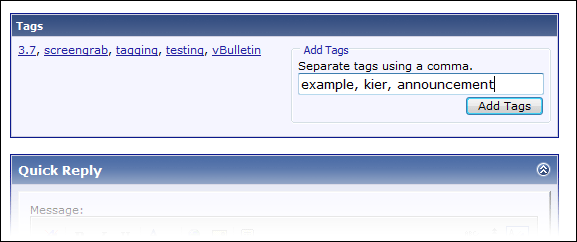
A new way to facilitate searching and grouping of threads, it is now possible for users to add tags to threads they post or read.
Tags can be added when creating a new thread, or to an existing thread by any user (with appropriate permissions).
Any users who then click on these tags will not only find all thread that have the same tag as the one clicked, but will also contribute to the building of a search tag cloud, which gives users a quick guide as to what has been searched for recently and most frequently.
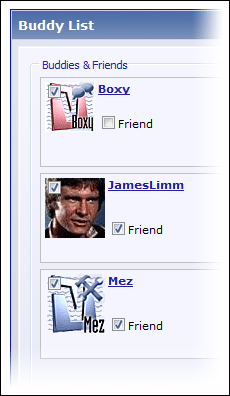
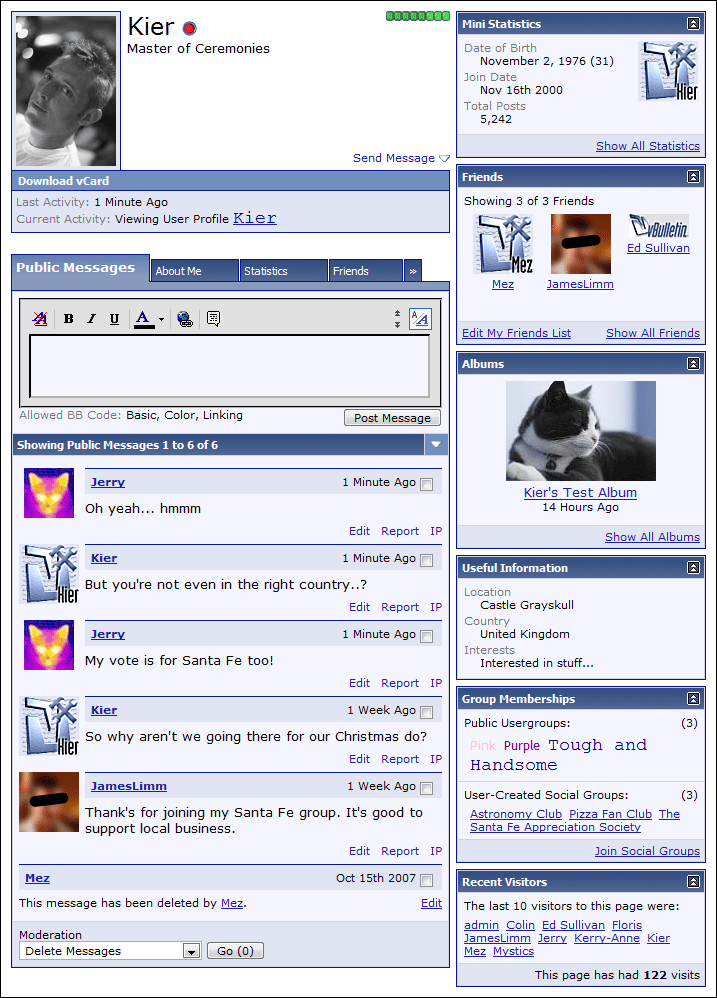
As part of our new social networking system, users can now request that people on their buddy list confirm their friendship, after which time a person's list of confirmed friends will be viewable to other users.
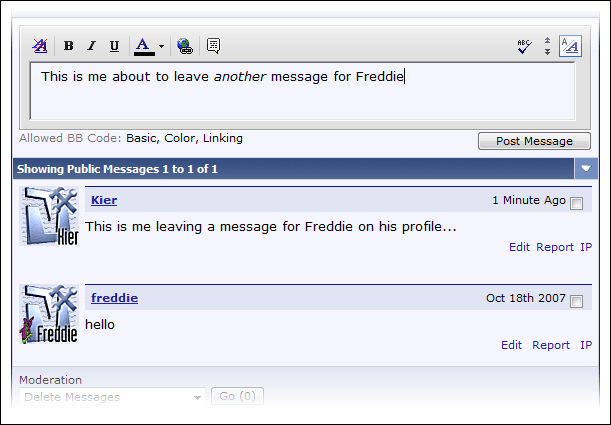
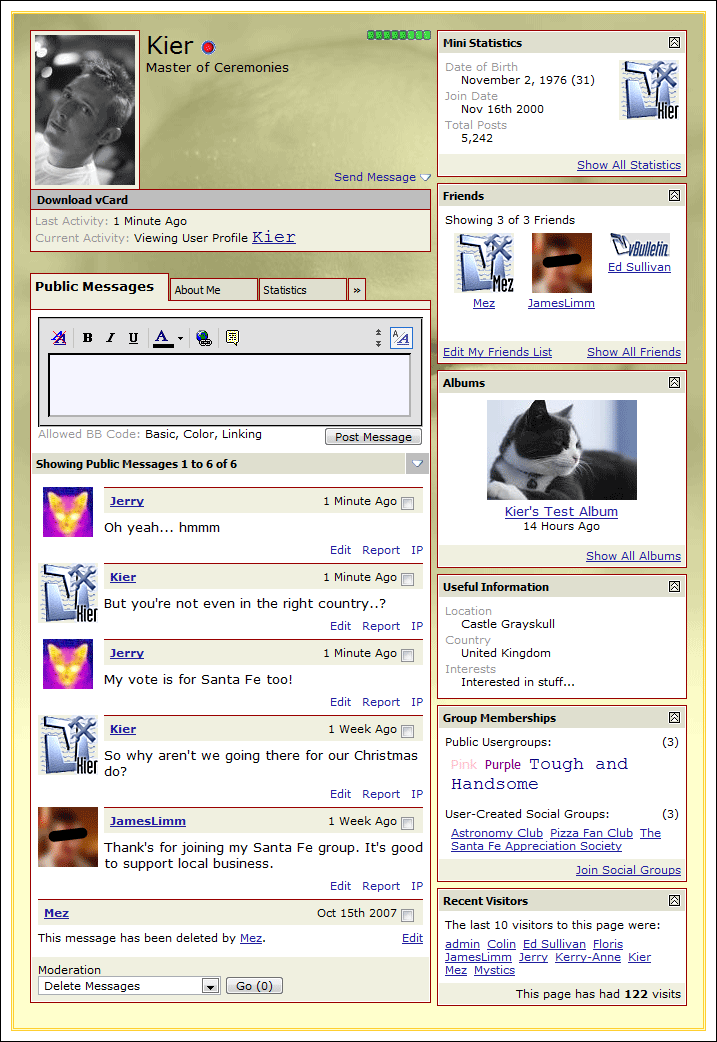
While private messages between users have been in vBulletin since version 2.0, vBulletin 3.7 introduces the public messaging system, allowing users to communicate publicly via their profile pages.
#### NOTE -- I am planning on NEW linkshell forum requests utilize groups instead. There are some trade offs but at the end of the day YOU can great them when YOU want without US having to get around to it! ######
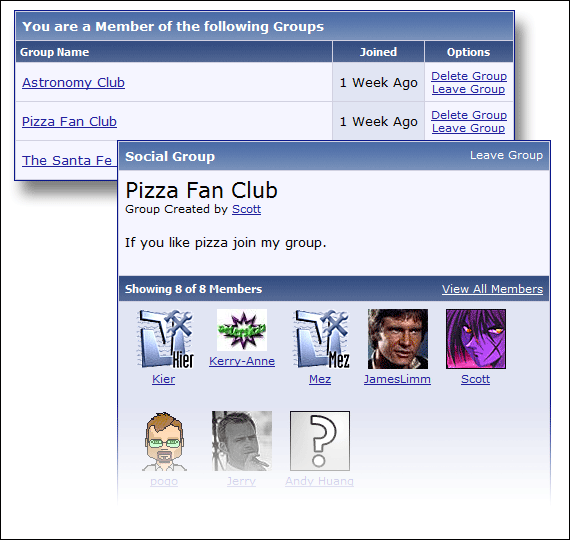
To further social cohesion between users and to encourage people to make friends, vBulletin now includes a facility to allow users to create their own social/interest groups.
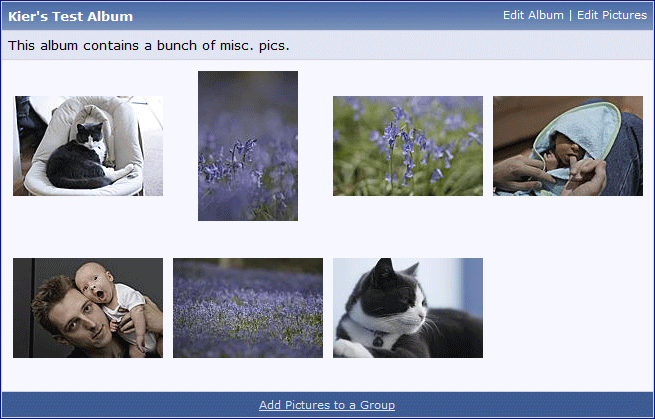
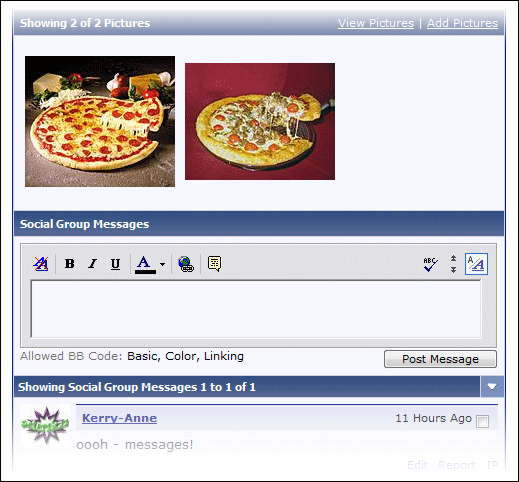
These groups are enhanced by having their own public messaging system, and the ability to add pictures to the group from user albums.
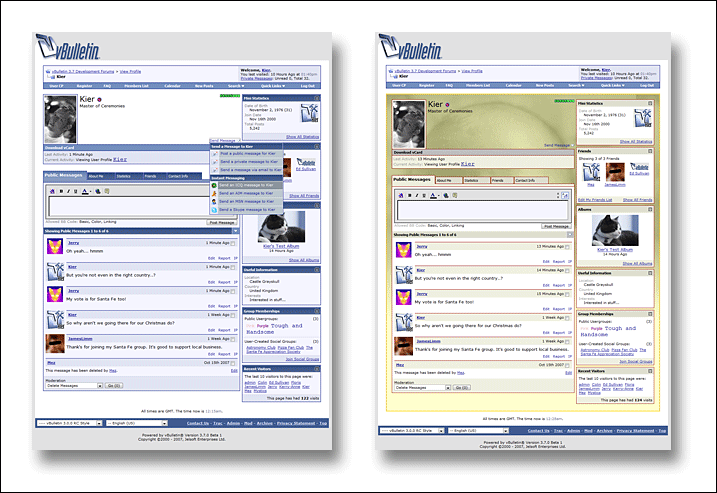
In order to accomodate all the new features in vBulletin 3.7, the member profile page has been completely redesigned from the ground up.
The new page presents information in a far cleaner and more logical manner, while dividing up information into manageable chunks using a tabbed interface.
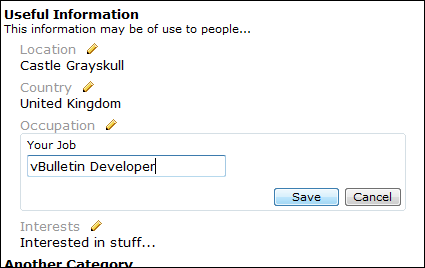
Individual profile field categories can be displayed alone in blocks in the right column, in addition to appearing by default in the 'About Me' tab.
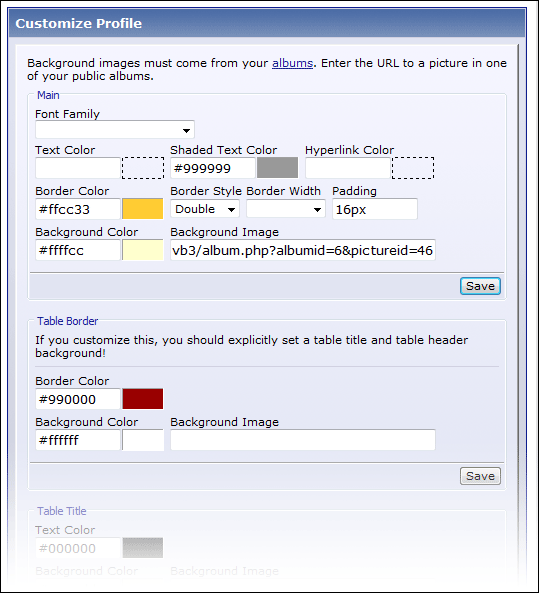
The administrator may choose to allow his members to use the profile page customization tool, which allows users to alter fonts, colors, background and borders etc. of their profile page in order to create a more personalized look.
The administrator can lock-down customization permissions, in order to prevent the personalized pages being made too offensively awful by aesthetically challenged members... nobody wants to see some of those really ugly MySpace pages on your vBulletin installation!
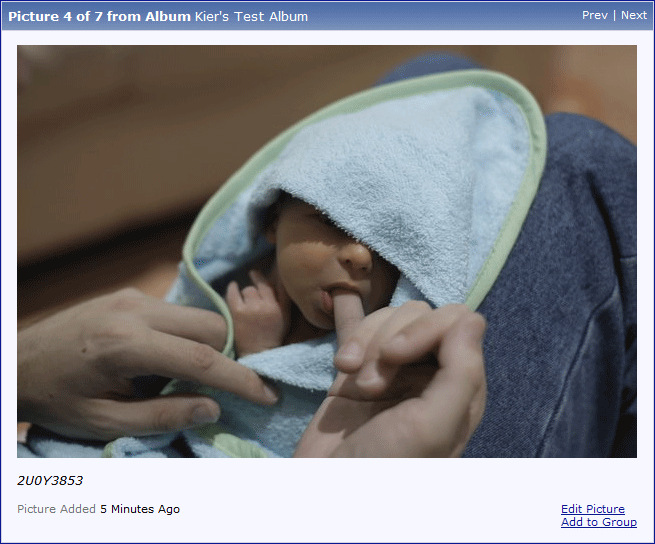
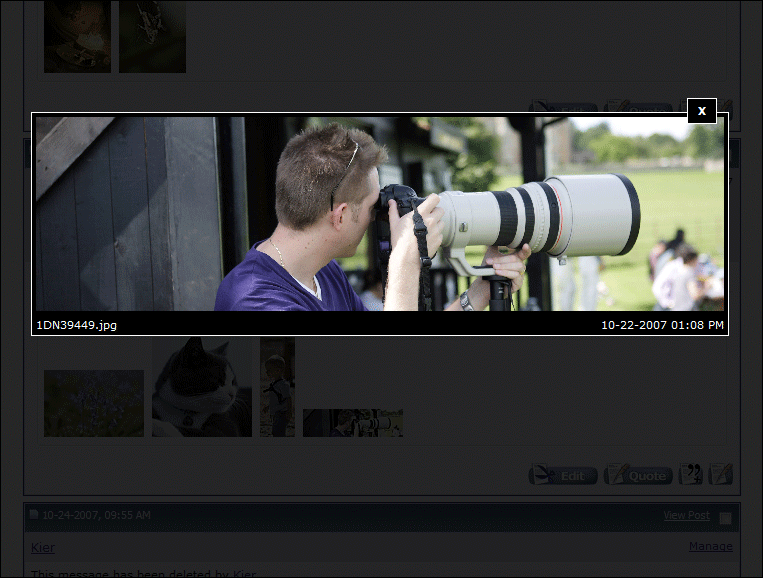
Clicking on an attached image will now open a lightbox rather than open a new window, with the image scaled to fit the browser viewport. A click on the image in the lightbox will open it in a new window as before.